Where to Build Nodes in HLLV: HQ or a Safer Backline?
A practical way to choose a node area when the map, sector state, and enemy pressure keep moving.
Use HQ first when its opening supplies make the build quick and defensible; move the plan to a covered backline only when the squad can protect the route and return to the node. The right location is a repeatable decision—reachable, concealed, and outside the active fight—not a universal map pin.
Read the answer source: Official launch updates and Hotfix 1 ↗- Engineer role and node blueprint
- Opening HQ or delivered supplies
- A covered route the squad can revisit
- A sector plan that will not strand the build
Action sequence
- STEP 01
Check the opening HQ supplies and the current sector plan. HQ is the fast starting option when the route is safe enough for the Engineer and support player.
- STEP 02
If HQ is exposed or predictable, choose covered ground in the backline that the squad can reach without crossing the active fight, and keep the return route clear.
- STEP 03
Avoid open ground, a live engagement, critical traffic lanes, and underwater terrain. Keep Garrison distance rules separate from node placement.
- STEP 04
Place and finish the node, then tell the squad the location and the return route. Success means the node is active and reachable for another check, not merely that the blueprint accepted placement.
- STEP 05
If the sector is captured, the node disappears, or supplies never arrive, treat that as a state or logistics failure: reassess the route and rebuild rather than insisting on the old spot.
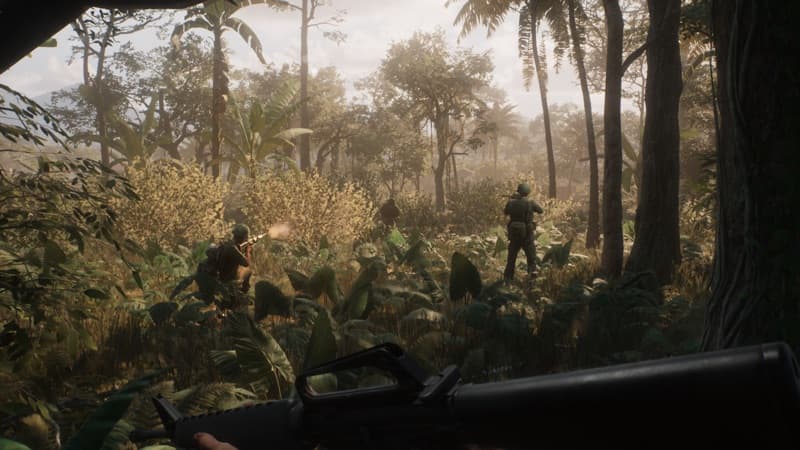 HLLV / MISSION SCENE
Player notes from the field
These are player observations for handling match-to-match differences. They are not official rules and do not replace the direct answer above.
HQ is quick and safe—until it is predictable
Players commonly start the full set at HQ because the opening supplies are already there. The trade-off is visibility: everyone knows where HQ is, so the same convenience can become an easy target or a congested work area.
Confidence boundary: Community placement observation; HQ supplies themselves are also confirmed by official launch notes.
Open field source · Current node placement replies ↗Sector loss removes the node set
A current player reply says nodes disappear when the sector they occupy is captured. That makes the sector state a hard check before choosing a forward shortcut: a shorter walk is not worth a build that is about to be wiped by the map state.
Confidence boundary: Player-reported sector behavior; verify after a patch.
Open field source · Current node placement replies ↗Check that the opening HQ supplies are still there
The current thread warns that Engineers can race for the same opening HQ supplies. Before committing to the HQ route, check that the 150-supply set is still available; if another Engineer has taken it, ask for the next supply plan instead of waiting beside empty ground.
Confidence boundary: Current player observation; the official launch notes confirm opening HQ supplies but not how teams divide them.
Open field source · Current node placement replies ↗If it doesn’t work
- There is no official universal coordinate for a good node location.
- Map names, sector boundaries, and the best fallback route are build- and match-dependent.
- Update 1.5 does not publish a node-specific safe distance, cost, cap, or map coordinate.
- HQ supplies and early Engineer Nodes come from official launch guidance; the covered-backline choice is current field strategy. The no-underwater rule and Garrison-only 15-metre rule are official boundaries, not proof of a fixed node location.
Evidence & version notes 7 linked sources
Open the original discussion or official note when the detail matters. This page is an unofficial player reference.
- 01
- 02
- 03How do you build nodes? ↗Player discussion
- 04HLLVN field guide ↗Community guide
- 05Official map and mode overview ↗Official
- 06Official HLLV Update 1.5 ↗Official
- 07Official HLLV Hotfix 1.4.2 ↗Official
Checked 2026-09-16. Mechanics, controls, and player reports can change with the build; verify patch-sensitive details in your current game.