Hell Let Loose: Vietnam Tunnel Tutorial: Connect to a Garrison
What the tunnel mechanic is meant to do, and what to check when the tutorial refuses to advance.
Complete the tutorial connection from the map, not by walking to the physical tunnel entrance: use the current map key (PC players report M), select the pre-built tunnel at E5, then select the built garrison. The success signal is the tutorial objective advancing; if it does not, use the recovery notes below.
Read the answer source: Tutorial discussion ↗- The tutorial objective that asks for a tunnel connection
- The current map key (PC default reported as M)
- The pre-built tunnel at E5
- A built garrison shown on the tutorial map
Action sequence
- STEP 01
Start the tunnel-connection tutorial objective and open the map with the current binding; on PC, the player-confirmed default is M. This is a map action, not a trip to the physical tunnel entrance.
- STEP 02
Find the pre-built tunnel at E5 and select it in the map. Then select the built garrison the tutorial presents as the destination.
- STEP 03
Wait for the tutorial objective to advance. That objective update is the success check; simply highlighting both icons is not enough.
- STEP 04
If the map selection does not advance, verify that you selected the pre-built E5 tunnel first and a built garrison second, then record platform, build, and the exact tutorial text before replaying.
- STEP 05
If replaying still fails, save the exact objective text, platform, and build for a report; a live-match tunnel rule is not a substitute for the tutorial action.
- STEP 06
For a live match, use the normal current placement rules: the old shortcut to connect tunnels to pre-placed Garrisons without the distance restrictions no longer works.
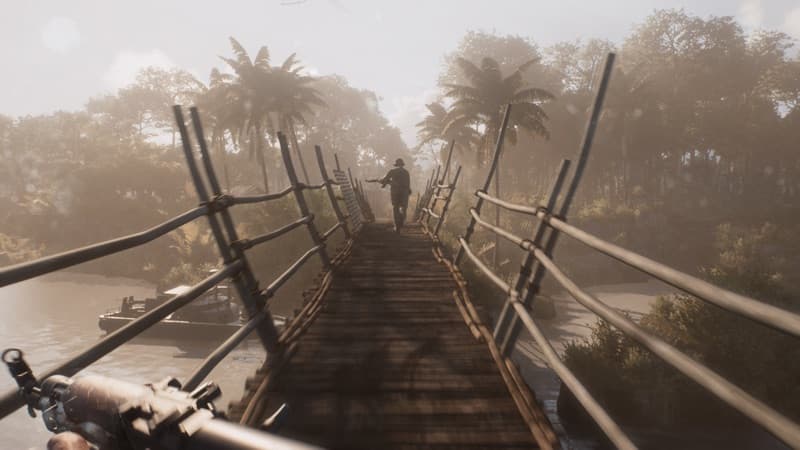 HLLV / MISSION SCENE
Player notes from the field
These are player observations for handling match-to-match differences. They are not official rules and do not replace the direct answer above.
The E5 tunnel connection is a map click sequence
A Steam discussion gives the concrete current flow: open the map, select the pre-built tunnel at grid E5, then select the built garrison. Another reply confirms that the action happens inside the map rather than at the physical entrance.
Confidence boundary: Multiple replies in one current thread agree; platform map bindings may differ.
Open field source · Steam tutorial discussion ↗Replaying is a workaround, not a fix
The same discussion includes players who remain stuck and one player who says replaying eventually worked. Keep that as a fallback report only: the August 20 Community Update confirms that completed tutorial progress can fail to save and block Squad Leader or Commander, and says the issue remains under investigation.
Confidence boundary: Mixed player outcomes; no guarantee that replaying repairs the current build.
Open field source · Steam tutorial discussion ↗If it doesn’t work
- The exact tutorial trigger order and current tutorial text need checking in the installed build.
- Community Feedback #4 reported that tutorial progress can still fail to save or leave roles locked; Update 1.5's full changelog does not list a tutorial-save fix, so the wider issue remains unresolved.
- Patch 1.3 is now live; its 10-minute placement cooldown is a live-match rule, not a tutorial-save repair. Patch 1.4 improves Tunnel and Garrison connection messaging and adds estimated travel time; Garrisons and Transport Helicopters can now correctly be used for deployment and redeployment within Tutorials and the Practice Range. These updates do not establish a saved tutorial progress repair. Hotfix 1.4.2 and Update 1.5 are separate current-build boundaries.
Evidence & version notes 14 linked sources
Open the original discussion or official note when the detail matters. This page is an unofficial player reference.
- 01
- 02
- 03
- 04
- 05
- 06Patch 1.2 full changelog ↗Official
- 07
- 08
- 09Hell Let Loose: Vietnam FAQ ↗Official
- 10Tutorial discussion ↗Player discussion
- 1170 minutes to complete the tutorial ↗Player discussion
- 12Official HLLV Update 1.5 ↗Official
- 13Official HLLV Hotfix 1.4.2 ↗Official
- 14
Checked 2026-09-16. Mechanics, controls, and player reports can change with the build; verify patch-sensitive details in your current game.